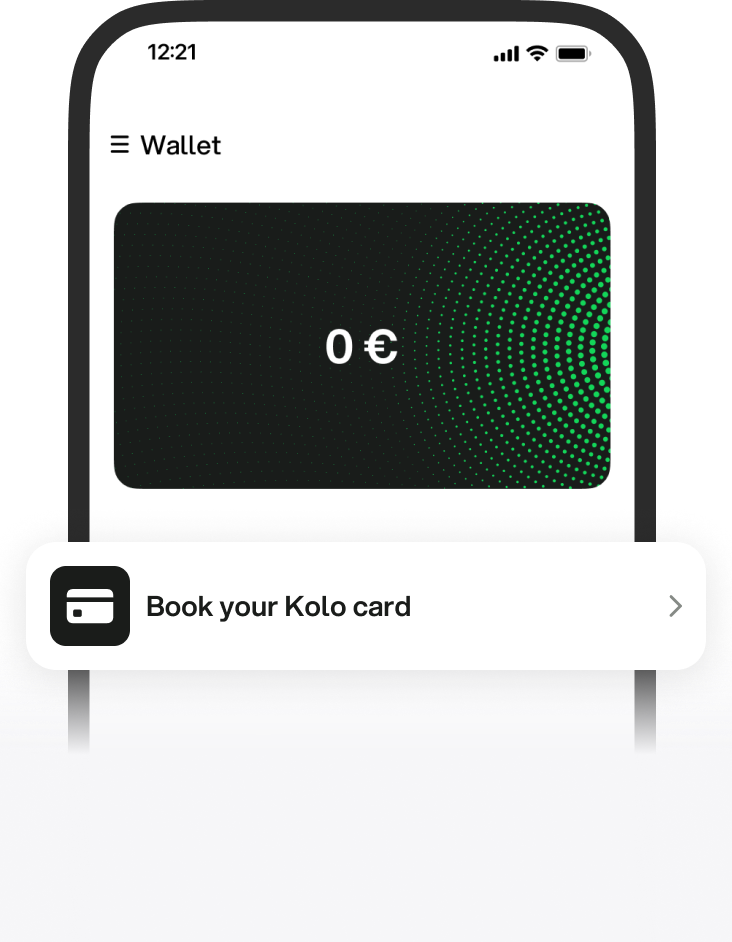
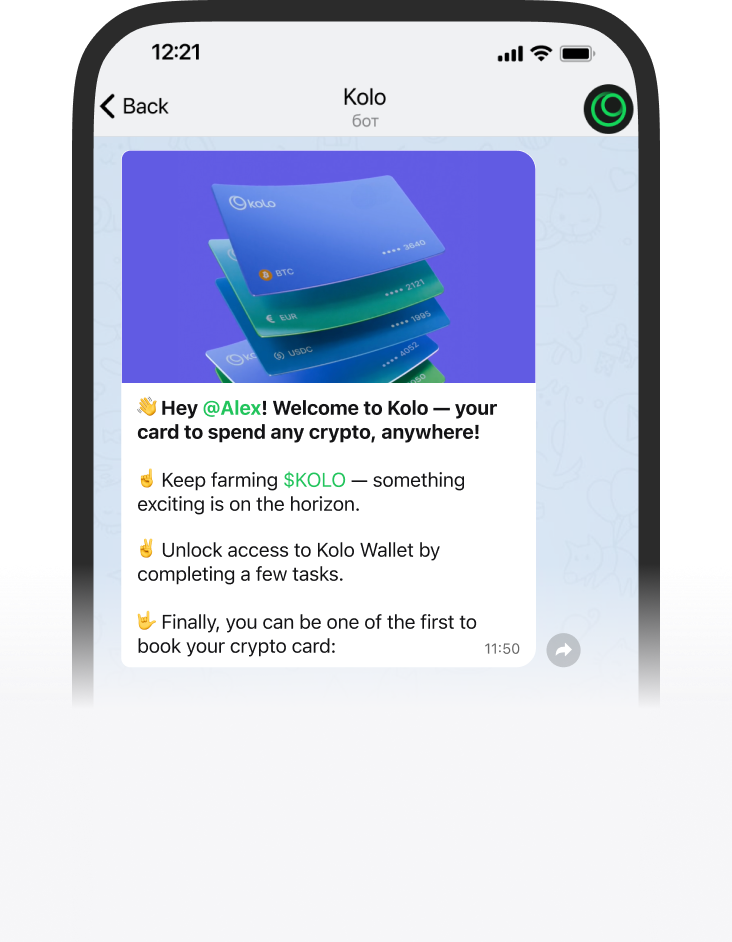
Crypto wallet for BTC, ETH and USDT
Manage your crypto in the mobile app, the web wallet or the Telegram mini app
Get Kolo CryptoWallet
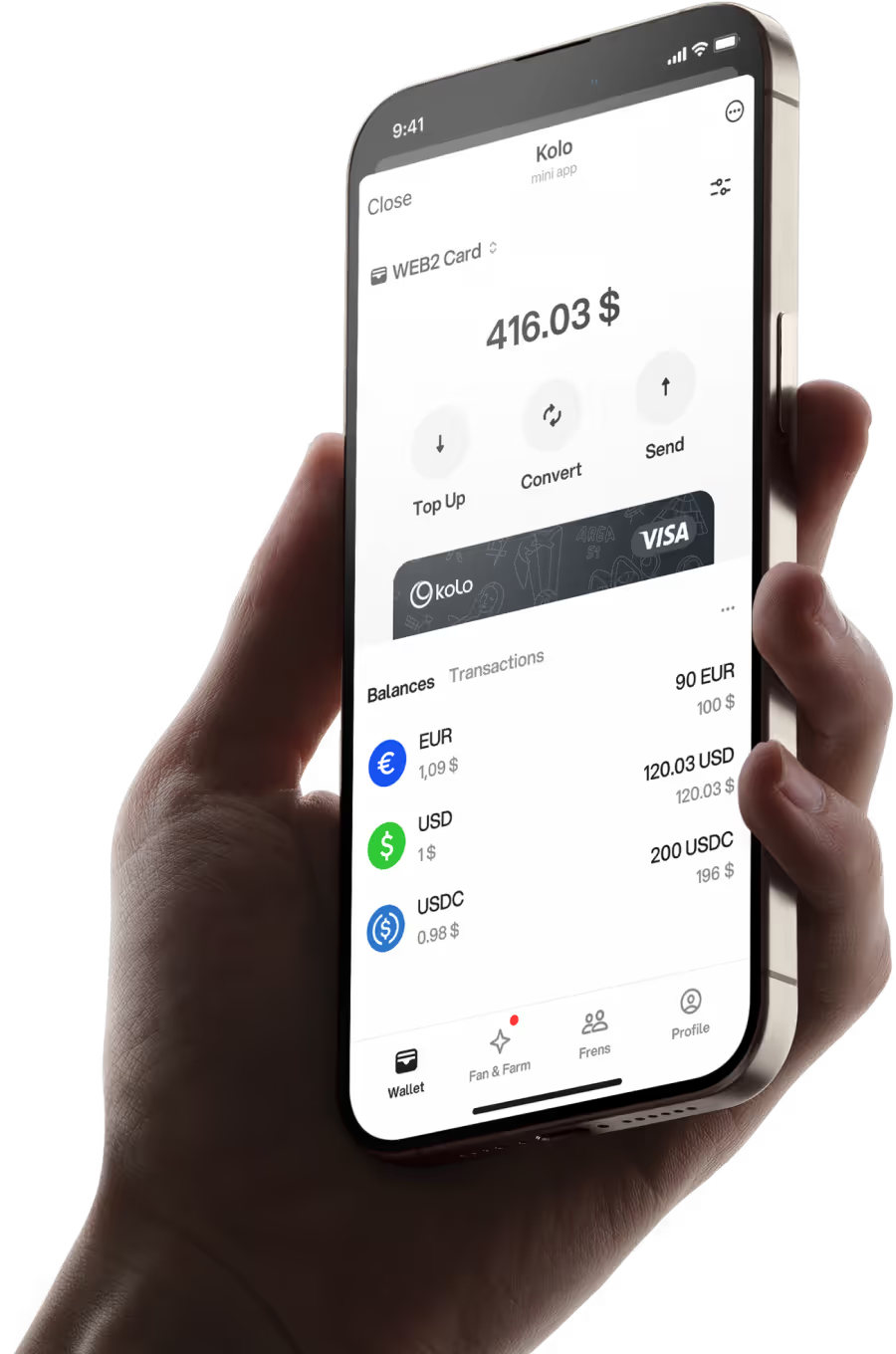
Manage your crypto in the mobile app, the web wallet or the Telegram mini app


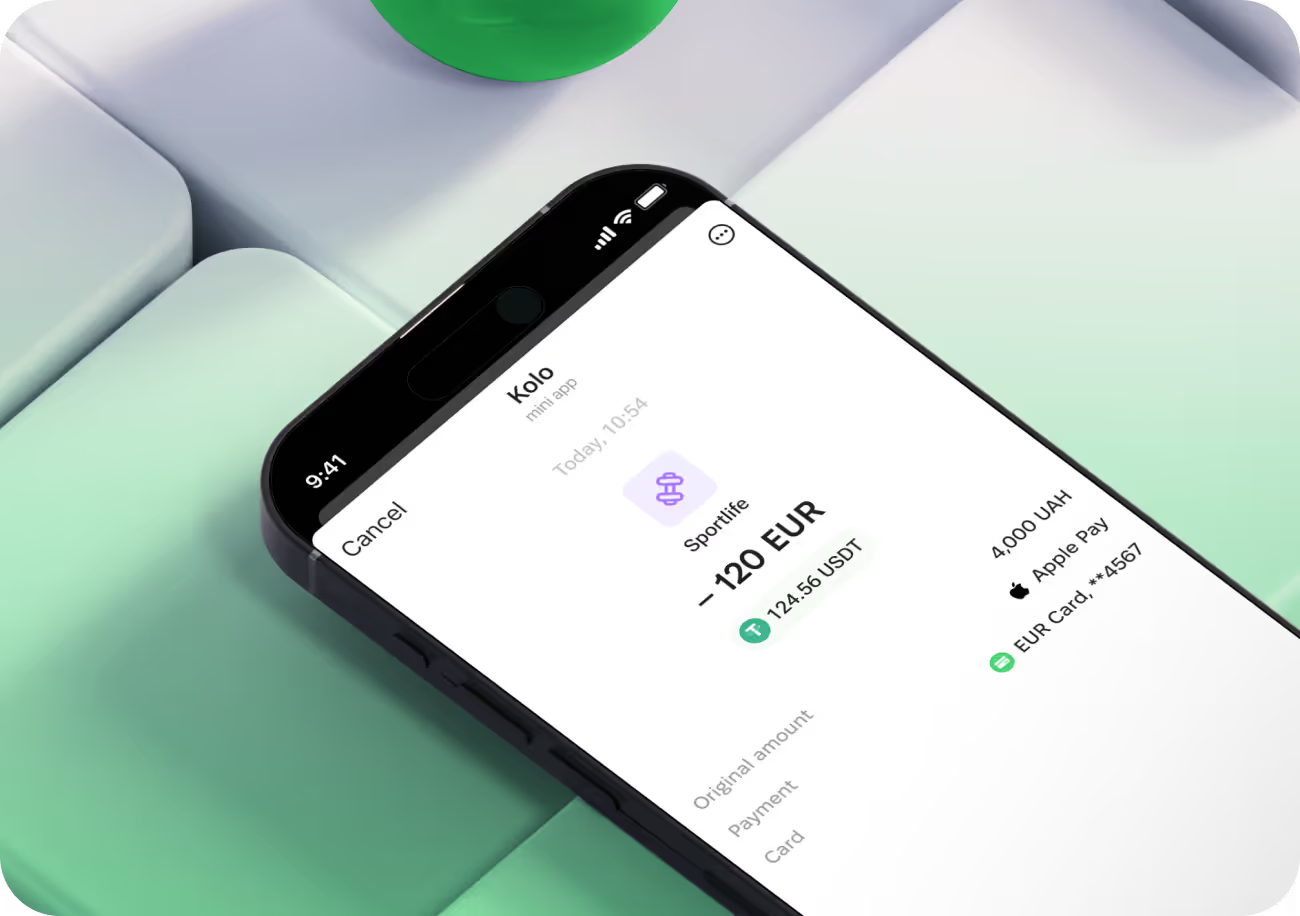


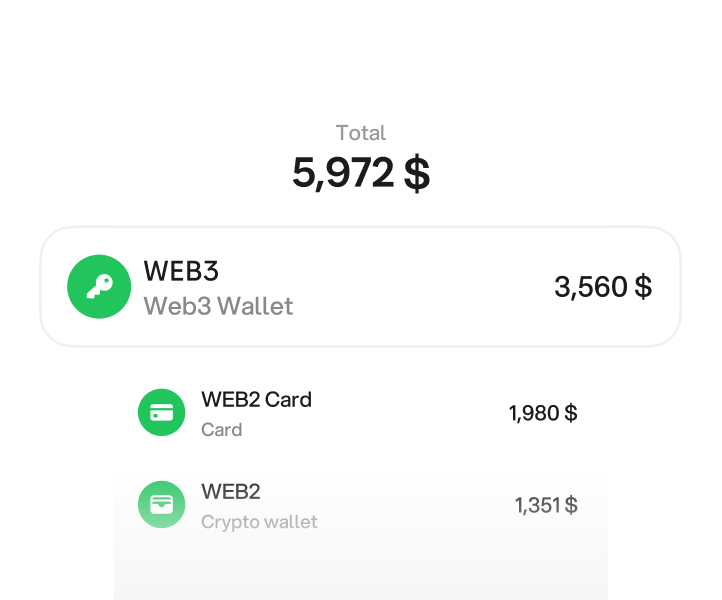

A crypto wallet is the tool that holds the keys to your coins. The coins themselves live on a blockchain — the wallet is what proves they are yours and lets you move them. Lose access to the keys and you lose access to the balance, which is why the way a wallet handles keys matters more than how its app looks.
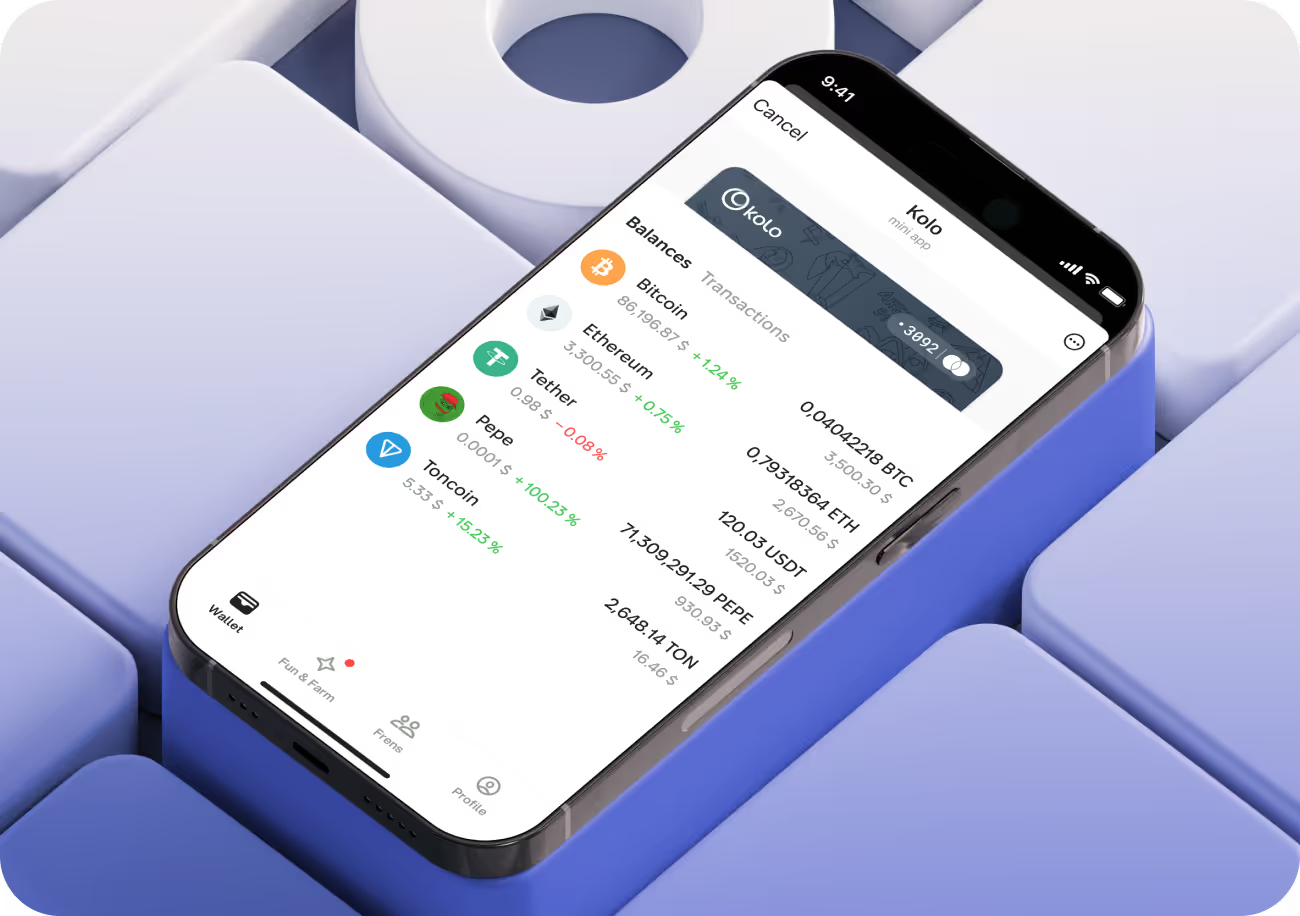
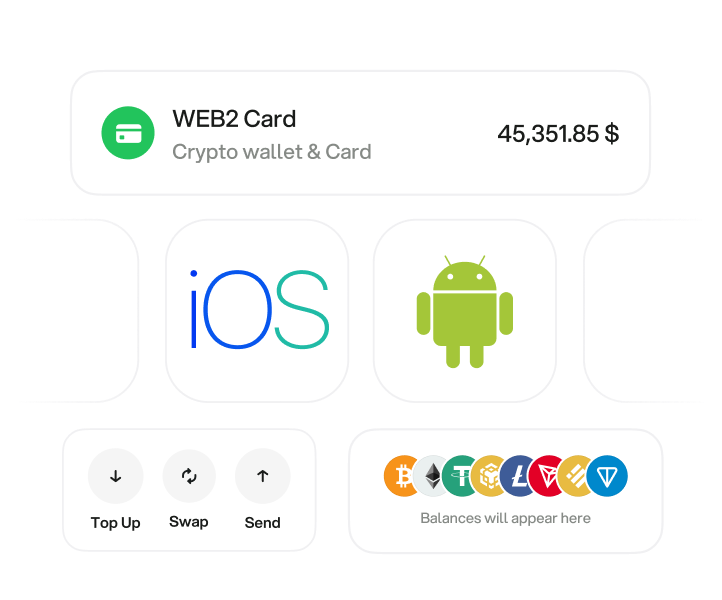
In practice a wallet does four things: it receives crypto, stores it, sends it on, and — in some cases — converts it into money you can actually spend. Kolo covers all four: multichain storage, swaps between assets, transfers to other people, and withdrawals straight to a bank account over SEPA. You can use it three ways — the mobile app, the web wallet or the Telegram mini app — on the same account, so the balance and history follow you between them.
This is the single most important distinction between wallets, and it decides what happens on your worst day.
Non-custodial means you hold the private key and the seed phrase — usually twelve or twenty-four words shown once at setup. Nobody can freeze your funds and nobody can move them without those words. The flip side is that nobody can help you if you lose them: there is no password reset, no support ticket that recovers a seed phrase. Estimates of permanently lost Bitcoin run into millions of coins, and lost keys are the main reason.
Custodial means a company holds the keys for you, the way a bank holds your deposit. You get account recovery, support and, in a regulated setup, a compliance framework around your money. You give up the ability to move funds without the provider being involved.
Neither is simply better. A long-term savings stash and a wallet you pay with every day have different requirements, and plenty of people run both.
Hot wallets — sometimes called online wallets — stay connected to the internet. They are what you use for everyday transfers and payments, because they are ready in a second. Being online is also their weakness: the attack surface is a phone or a browser.
Cold wallets stay offline. A cold crypto wallet cannot be drained by a website you clicked, because the keys never touch a connected device. The trade-off is friction — moving funds takes deliberate steps.
Hardware wallets are the common form of cold storage: a small physical device that signs transactions internally and never exposes the key. Good for long-term holdings, awkward for buying coffee.
The practical split most people land on: cold storage for what you are saving, a hot wallet for what you are spending. Kolo is the second half of that pair.
Kolo is multichain — it supports the major networks rather than a single chain, so you can receive from almost any exchange or wallet without bridging first.
| Network | Native asset | Stablecoins |
|---|---|---|
| Bitcoin | BTC | — |
| Ethereum | ETH | USDT, USDC |
| Tron | TRX | USDT (TRC-20) |
| BNB Chain | BNB | USDT, USDC |
| Solana | SOL | USDT, USDC |
| Polygon | POL | USDT, USDC |
| Arbitrum | ETH | USDT, USDC |
| Base | ETH | USDC |
| Avalanche | AVAX | USDT, USDC |
| TON | TON | USDT |
| Litecoin | LTC | — |
The exact list of assets available to you is shown in the app and can change as networks are added.
Topping up means sending crypto you already hold into your Kolo wallet. Open the wallet, choose the asset, and copy the deposit address. On the exchange side, start a withdrawal to that address — and pick the same network on both ends. Sending USDT over Tron to an Ethereum address is the most common way people lose funds, and it is not recoverable.
Send a small test amount first if the address is new to you. Network fees differ sharply: a Tron or TON transfer costs cents, Ethereum can cost several dollars when the network is busy.
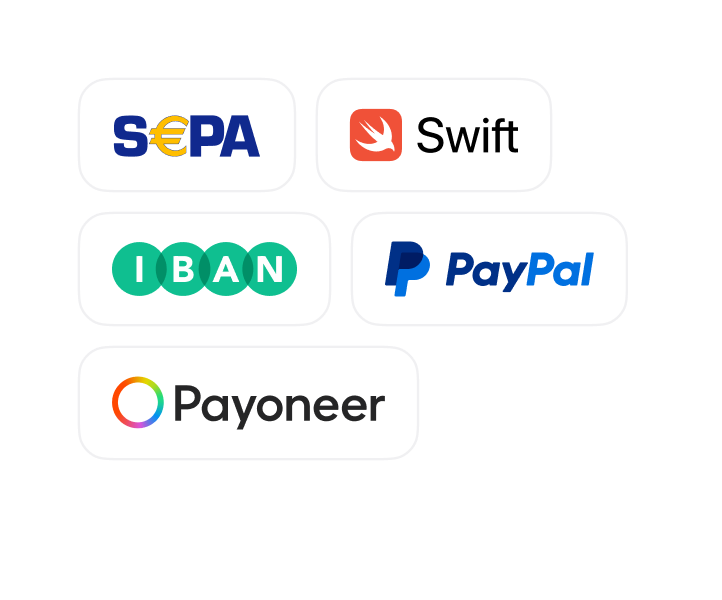
This is the step most crypto wallets do not cover. Kolo supports withdrawals to a bank account over SEPA, to an IBAN in your name — so stablecoins in the app can become euros in your bank without going through a separate exchange or a peer-to-peer trade.
You choose the amount, confirm the IBAN, and the transfer settles as a normal SEPA payment. Available directions depend on your country of residence; the app shows what applies to your account.
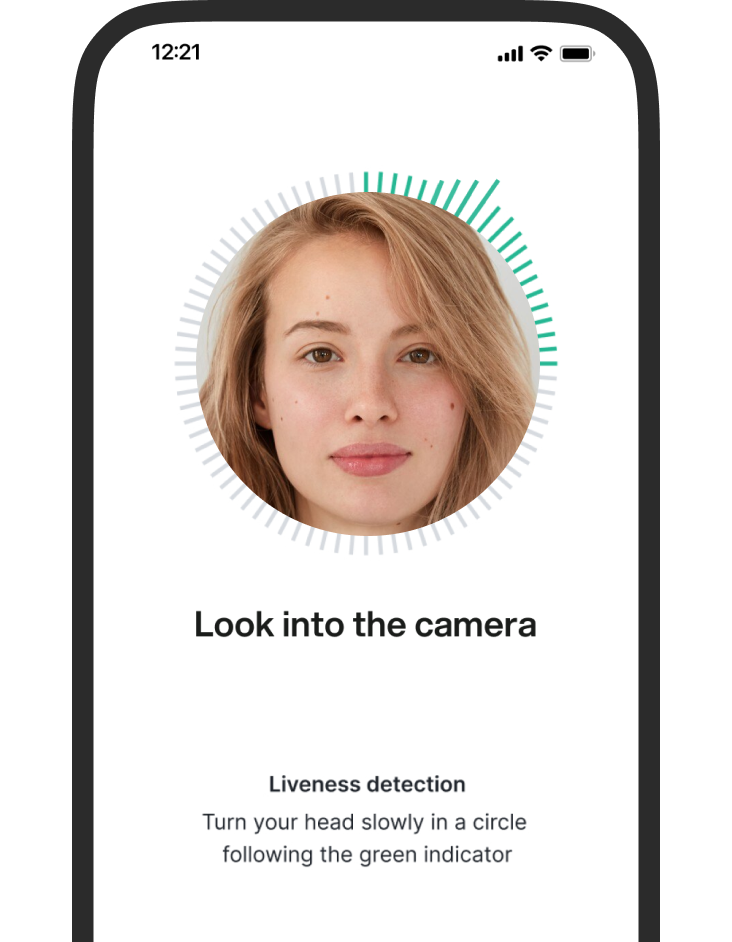
Kolo requires identity verification. KYC is mandatory — there is no unverified tier, and wallets advertising themselves as no-KYC are a different product with a different risk profile. Verification is what allows regulated withdrawals to a bank account to exist at all, and it is the reason a SEPA transfer out of the app is possible.
On top of that: two-factor authentication on the account, device-level biometrics, and a compliance framework aligned with MiCA and the Travel Rule. If you use a non-custodial wallet alongside Kolo, write the seed phrase on paper and keep it offline — never in a screenshot, a notes app or cloud storage, which is where most avoidable losses start.
Kolo works in 60+ countries, including the UK and the EU. Storage, swaps and transfers are available wherever the app is; bank withdrawals follow SEPA coverage, and other products may depend on your country of residence. The country availability page has the current list.