Send money to any IBAN from Kolo
Hi there — you can now send money from Kolo straight to a bank account: your own or someone else's. No card in the middle, no third-party exchange. Pick an IBAN, enter an amount, done. Here's how it works.
🏦 Any IBAN, yours or someone else's
Pay rent, send money to family, top up your own bank account, settle an invoice. The recipient doesn't need Kolo — they just need a bank account.
Send EUR from Kolo to any bank account in the SEPA zone Where the receiving bank supports SEPA Instant, the money lands in seconds, weekends included.
✅ One check, then it's open for good
IBAN transfers run on bank rails, so before the first one we verify you once. It's a short flow inside the app, and approval can take up to 24 hours, so a short wait is normal.
Two ways to start it:
- tap Send > To IBAN and complete the verification right there, or
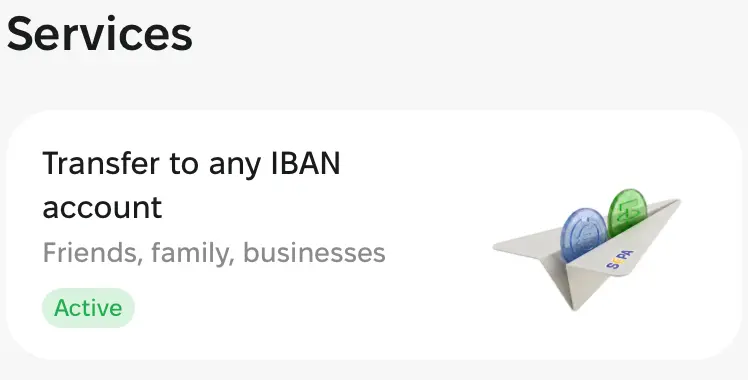
- go to Profile > Services > Transfer to any IBAN account.
You'll get a notification when the check is done. After that, IBAN transfers are just another option in Send.
📲 How to send
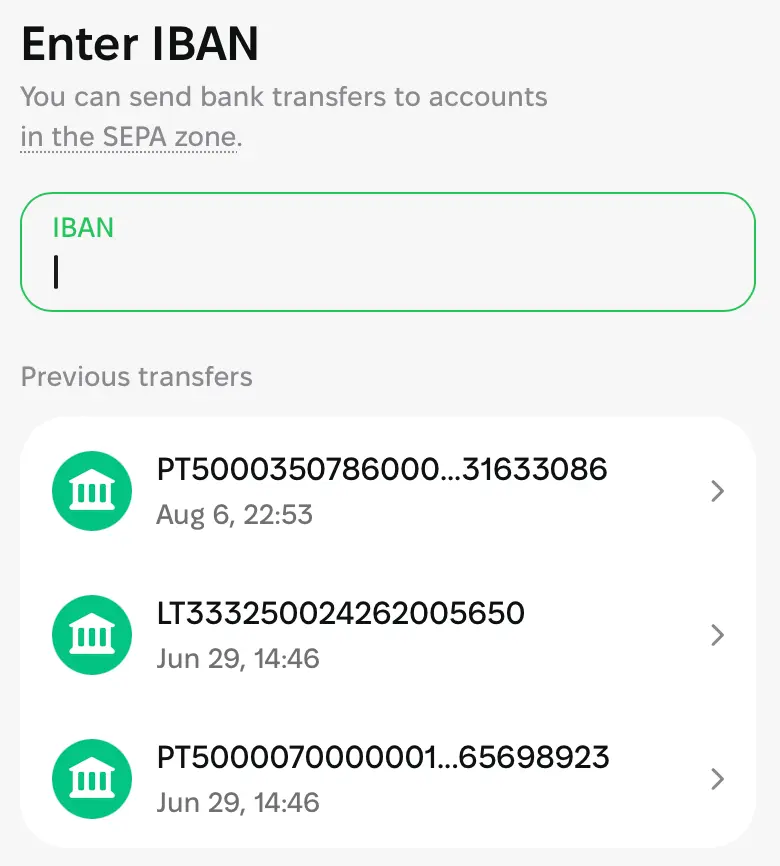
- Tap Send > To IBAN.
- Enter the recipient's IBAN or choose from previous transfers.
3. Choose who you're paying: Personal or Business. For a business, use the company's legal name exactly as registered.
4. Enter the amount and check the total.
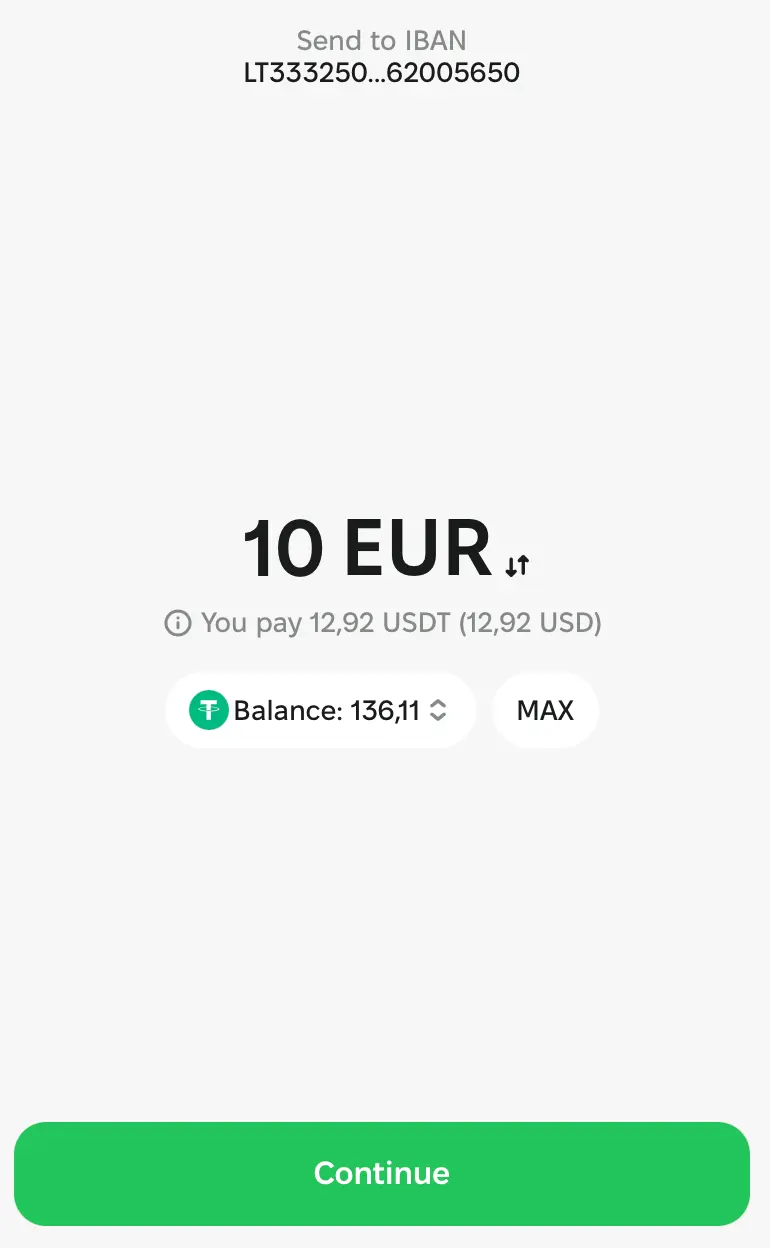
5. Confirm. The transfer shows up in your history with its status.
Sending to yourself? Same flow, just use your own bank details.
💸 Fees and limits
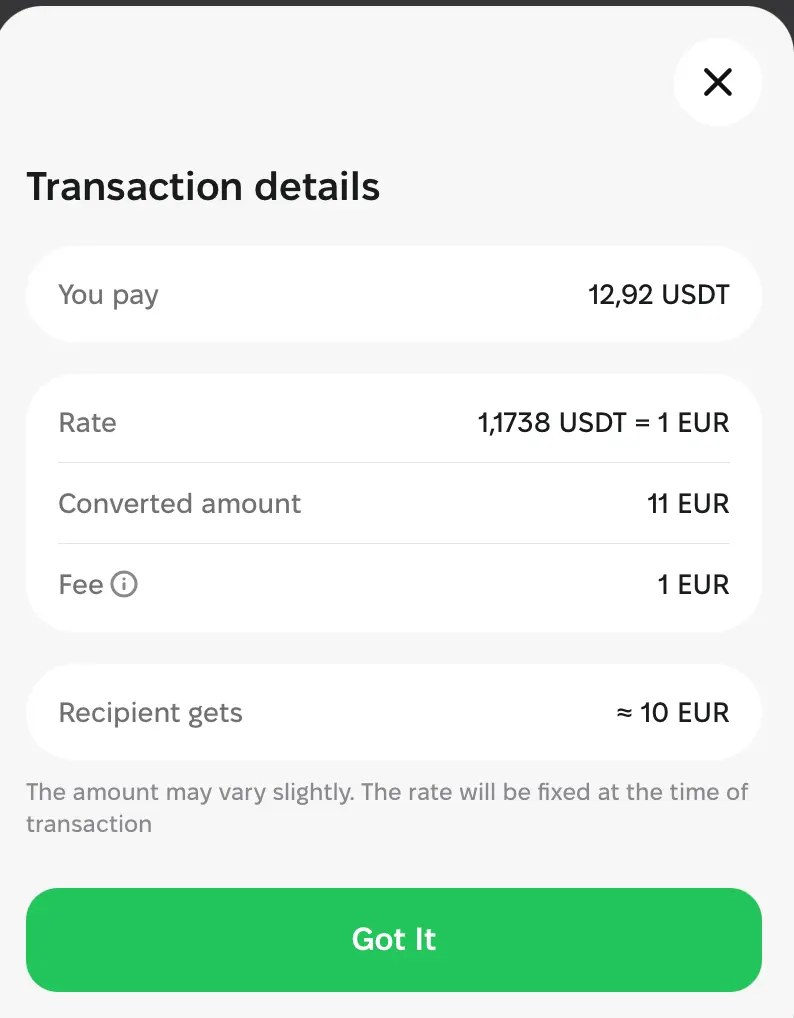
- Fee: 1 EUR per transfer, flat. The same whether you send 10 EUR or 1,000 EUR.
- Minimum transfer: 1 EUR or 2.35 USDT.
- Example: send 100 EUR and 101 EUR leaves your balance. 100 EUR arrives, 1 EUR is the fee.
- Limits: $25,000 per transaction, $50,000 per month, $250,000 per year. Larger payments are not declined automatically, they go to a source-of-funds review first.
⚠️ Good to know
- The name has to match the account. Banks check the name against the IBAN, and a mismatch can bounce the transfer or slow it down.
- Double-check the IBAN before you confirm. Once money is on its way to a valid account, it cannot simply be pulled back.
- If the receiving bank is not on SEPA Instant, the transfer follows normal banking hours.
🚀 Ready?
Open Kolo, tap Send > To IBAN and complete the verification. After that your money can go anywhere a bank account can.
Something looks off? Message support in the app, we are around.